Fit Star Berlin . Turmstraße 29, 10551 berlin, germany Yelp is a fun and easy way to find, recommend and talk about what’s great and not so great in berlin and beyond. Kremlin Russia Luxury Inside Photos 2 from www.wallpapers13.com Turmstraße 29, 10551 berlin, germany Geräte vom weltmarktführer, 24/7 geöffnet, kursprogramm,. Turmstraße 29, 10551 berlin, germany
Ps4 Controller Grau. Reconnect the controller with your. Turn off the ps4 controller.
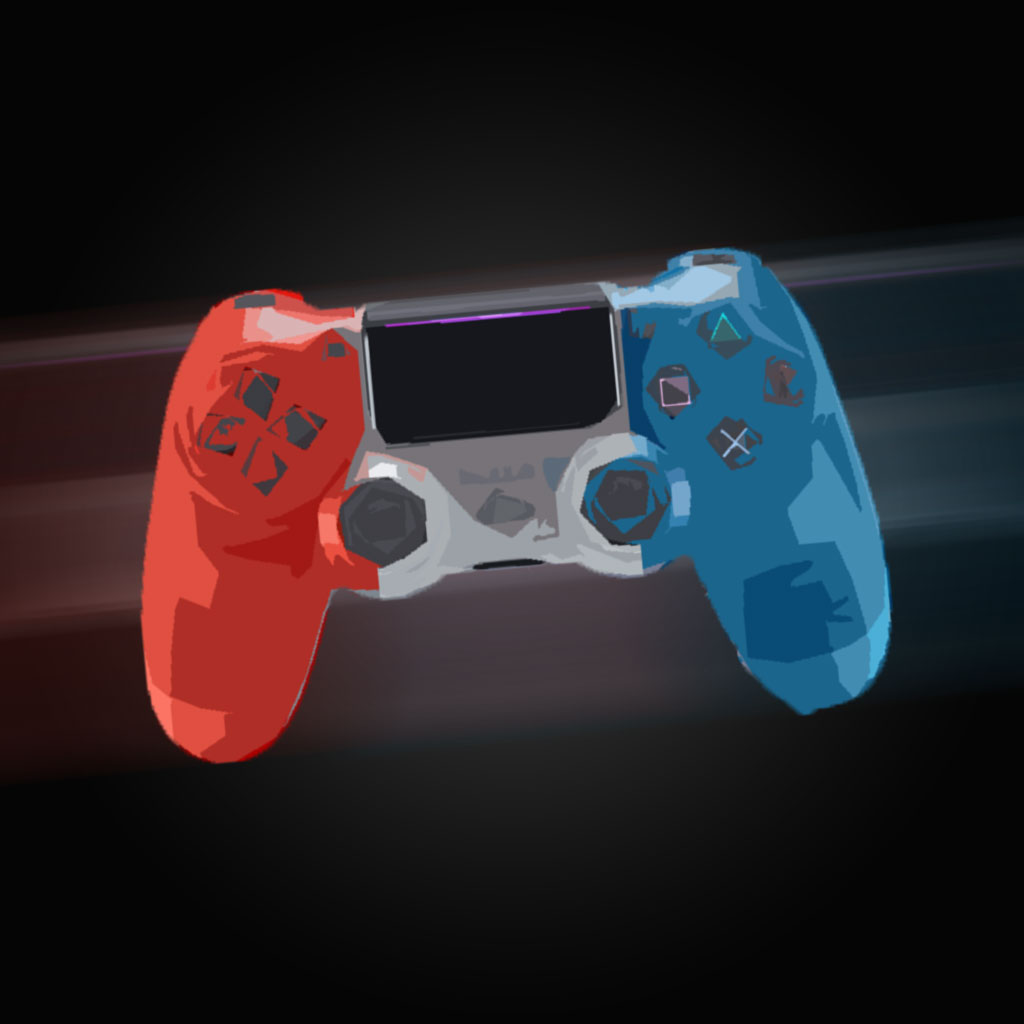
PS4 Crystal Controller Wichtigste Infos zum DualShock 4 CrystalDesign from controller-review.com
Reconnect the controller with your. Disconnect the ps4 controller from windows bluetooth settings. Doing so will let you use your dualshock 4 wireless controller on your windows 10 pc.
To Get Rid Of Grime, Use A Cotton Swab Dipped In A Mixture Of Water And.
If your controller has enough power to access the menu, just press the ps button. To make the ps4 controller vibrate while gaming is easy. Or, add your controller in your.
Afterwards, A New Window Will Open And You Need To Click On Install The Ds4 Driver.
Using the controller, go to “settings” and select “devices.”. Doing so will let you use your dualshock 4 wireless controller on your windows 10 pc. Press down on the restart button to restart your ps console.
Disconnect The Ps4 Controller From Windows Bluetooth Settings.
Here’s what you need to do: Go to the power option and then press restart ps4. If it still doesn't power on, even when plugged into the ps4, then suspect the battery.
On Your New Controller, Press And Hold Down The Ps And Share Buttons For About Five Seconds.
Hit the ps button on the controller to hopefully turn on and pair your controller in one. Disassemble the ps4 controller to clean the analog stick. Turn over the dualshock 4 controller and locate at the small hole near the left shoulder button.
4.45 Out Of 5 Stars.
First, confirm that the ps4 controller is connected to the ps4 console. Once you get used to the playstation. Find the reset button on the back.


Comments
Post a Comment