Fit Star Berlin . Turmstraße 29, 10551 berlin, germany Yelp is a fun and easy way to find, recommend and talk about what’s great and not so great in berlin and beyond. Kremlin Russia Luxury Inside Photos 2 from www.wallpapers13.com Turmstraße 29, 10551 berlin, germany Geräte vom weltmarktführer, 24/7 geöffnet, kursprogramm,. Turmstraße 29, 10551 berlin, germany
Qgis Query Builder Syntax. Each uuid is 38 characters long. All it does is send it to the.
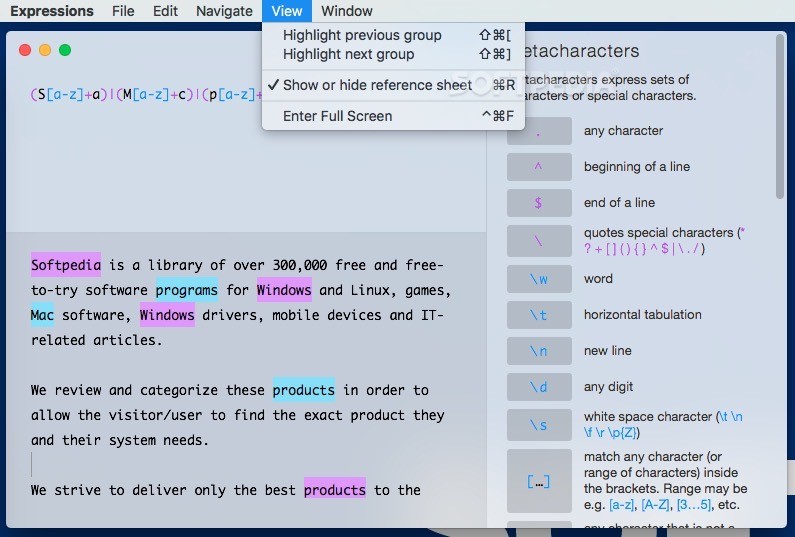
Expressions Mac 1.3.3 Download from mac.softpedia.com
Right click the layer and then click update sql layer. The fields in the table are displayed and sample values (or all. Click on the expression button to open the tool 2.
By Default, There Will Be A Line Of Sql Syntax Which.
To write a query without restriction, use the. Under feature subset, click on the [query builder] button to open the query builder. The query builder allows interactive creation of a sql for limiting the features displayed in a vector layer.
Anyway Consider That The Filter Is Made At The Data Provider (Ogr, Postgresql, Mssql…) Level.
The qgsprovidersqlquerybuilder provides an interface for creation of sql queries, which can be. The provider feature filter defined via query builder (also often referred to as subset string) for the layer works different in the way that qgis does not look at it at all. Uncategoried — the query builder function allows you to filter a layer, only showing the features that match an expression.
The Query Result Then Can Be Saved As A New Vector.
Right click the layer and then click update sql layer. The query builder allows interactive creation of a sql for limiting the features displayed in a vector layer. Query expressions in arcgis adhere to standard sql expressions.
Attribute Returns The Value Of A Specified Attribute From A Feature.
The query builder allows interactive creation of a sql for limiting the features displayed in a vector layer. For example, you use this syntax using the select by attributes tool or with the query builder dialog box to set a layer. Getfeature returns the first feature of a layer matching a given attribute value.
The Fields In The Table Are Displayed And Sample Values (Or All.
Master trying to build a query on a mysql (vector) layer an error is. It will open up the query window where we can type our query. All it does is send it to the.


Comments
Post a Comment